Close your eyes and listen to the sound of a squeegee dragging across a tightly tensioned polyester mesh. It is a crisp, rhythmic zip that signals the birth of something tactile and permanent. When you dive into an Intro to Screen Printing, you are not just slapping paint on fabric; you are orchestrating a complex interaction between fluid dynamics and textile porosity. The smell of water-based ink is earthy and clean, a sharp contrast to the starchy, raw scent of a heavy-weight cotton canvas tote. You can feel the tensile strength of the fabric between your fingers as you stretch it flat, preparing the surface for a high-contrast transfer. This is where the magic of the studio meets the precision of a laboratory. We are about to turn a simple blank bag into a masterpiece of wearable art using professional-grade pressure and precision. Grab your apron and clear your workbench; we are going to master the science of the squeeze.
THE STUDIO KIT
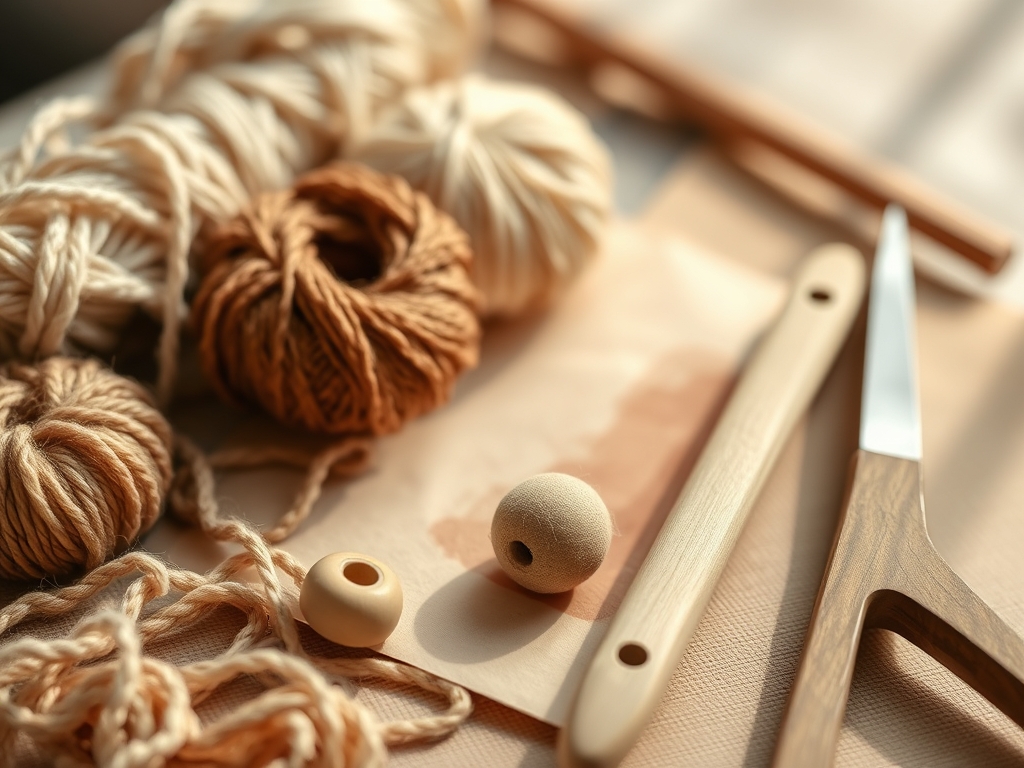
To execute a flawless print, your toolkit must be curated for consistency. You will need a high-mesh count screen, typically 110 to 160 threads per inch, which dictates the resolution of your ink deposit. Your squeegee should have a 70-durometer rubber blade; this specific hardness ensures the blade does not flex too much under manual pressure, maintaining a crisp edge. For the substrate, select 12-ounce cotton canvas totes. The high ply count of these bags provides a stable foundation that resists shrinking during the heat-setting phase.
You will also need a rotary cutter for trimming your stencils with surgical precision and a bone folder to burnish the edges of your masking tape against the frame. If you find yourself missing professional emulsion, look toward Material Substitutions. High-tack adhesive vinyl can serve as a temporary stencil, and a sturdy piece of cardboard wrapped in parchment paper makes an excellent internal platen to prevent ink bleed through the bag's layers. Always keep a caliper nearby to measure the thickness of your ink deposit if you are aiming for industrial consistency.
THE TEMPO
The "Maker's Rhythm" is all about managing the evaporation rate of your media. Screen printing is a race against atmospheric humidity. Your setup phase takes approximately thirty minutes; this includes degreasing the mesh and aligning your registration marks. The actual printing stroke takes only five seconds, but the flash-cure and final heat-set require a steady, patient pace.
Expect to spend two hours for a small batch of ten bags. The rhythm goes: flood, stroke, lift, and dry. If you move too slowly, the ink will dry inside the mesh pores, causing a permanent blockage. If you move too fast, you risk shearing the ink, which leads to blurred edges. Professional makers find a "flow state" where the mechanical movement of the arm becomes an extension of the squeegee's angle.
THE CORE METHOD
1. Substrate Stabilization
Before the ink even touches the screen, you must ensure the tote bag is perfectly flat. Insert a rigid platen made of melamine or thick chipboard inside the bag. This creates a hard, non-porous surface that prevents the capillary action of the ink from pulling moisture through to the back side of the tote.
Mastery Tip: Use a light spray of pallet adhesive to tack the fabric down. This prevents the "ghosting" effect caused by the fabric shifting when you lift the screen after a stroke.
2. Mesh Tension and Alignment
Position your screen over the bag, ensuring a consistent off-contact distance of about 1/8 inch. This gap is vital because it allows the mesh to snap back instantly after the squeegee passes, leaving a clean ink deposit.
Mastery Tip: The physics of snap-off is what defines print clarity. Without this gap, the screen sticks to the ink, creating a textured, "orange peel" finish instead of a smooth surface.
3. The Ink Flood
Apply a bead of ink across the top of the screen. Using minimal pressure, push the ink across the design with the squeegee at a 45-degree angle. This "floods" the open areas of the mesh without forcing the ink onto the fabric yet.
Mastery Tip: Flooding keeps the mesh lubricated. It prevents the ink from drying in the fine apertures of the screen between prints, which is especially important when using water-based pigments.
4. The Power Stroke
Increase your vertical pressure and pull the squeegee toward you in one continuous motion. You should hear a clear "velcro" sound as the mesh shears away from the substrate. This is the moment where surface tension is overcome, depositing the ink into the fibers.
Mastery Tip: Maintain a consistent blade angle. Tilting the squeegee too low will dump too much ink, while a vertical angle will result in a thin, "salty" print that lacks opacity.
5. The Lift and Inspect
Carefully lift the screen from one side, using the hinges as a pivot point. Observe the saturation levels. The ink should sit on top of the fibers while simultaneously gripping the interstitial spaces of the weave.
Mastery Tip: Check for edge definition. If the lines look fuzzy, your ink viscosity might be too low, or your squeegee pressure was inconsistent across the horizontal axis.
6. Flash Drying
Use a heat gun or a specialized flash dryer to set the surface of the ink. You are looking for the "tack-free" stage where the ink is no longer liquid but hasn't fully cured through the entire gauge of the deposit.
Mastery Tip: Do not overheat at this stage. Excessive heat can cause the cotton fibers to reach their scorch point or cause the ink to become brittle before it has fully bonded.
7. The Final Cure
To make the tote bag washable, you must reach the chemical cure temperature, usually 320 degrees Fahrenheit for 30 seconds. A heat press is the most reliable tool for this, providing even pressure and heat distribution.
Mastery Tip: Use a non-contact infrared thermometer to verify the temperature. If the core of the ink doesn't reach the cure point, the design will crack and peel after the first wash.
8. Screen Reclamation
Immediately after your run, scrape excess ink back into the container and wash the screen with lukewarm water. Use a soft nylon brush to clear the mesh without compromising the structural integrity of the emulsion.
Mastery Tip: Avoid high-pressure streams directly against the stencil edges. The hydrostatic pressure can lift the fine details of your design if the emulsion wasn't perfectly cross-linked during exposure.
9. Visual Quality Control
Line up your finished bags and inspect them for "pinholes" or stray ink marks. Use a jeweler's saw or a small pick to gently remove any dried ink flecks that may have landed on the negative space of the canvas.
Mastery Tip: Consistent lighting is key. Use a 5000K color-balanced bulb to ensure your ink colors are accurate and that you haven't missed any thin spots in the opacity.
THE TECHNICAL LEDGER
Maintenance & Longevity: Your screens are your most valuable asset. Store them vertically in a dust-free environment. Over time, mesh loses its elastic modulus; if the screen feels "saggy," it is time to re-mesh the frame to maintain print precision.
Material Variations:
- Sustainable: Organic hemp totes have a higher abrasion resistance but require more ink due to their thirsty fibers.
- Premium: Brushed cotton twill offers a smoother surface for high-detail prints with 200+ mesh counts.
- Recycled: Be cautious of synthetic blends; they require "low-bleed" inks to prevent dye migration from the polyester.
The Correction:
- Bleeding: Caused by too much pressure. Fix: Increase your squeegee speed and check your off-contact height.
- Fading: Caused by under-curing. Fix: Increase dwell time under the heat press and verify with a temp strip.
- Pinholes: Caused by dust on the screen. Fix: Use water-soluble block-out tape to plug the holes mid-run.
Studio Organization: Keep your inks in a climate-controlled area. Extreme cold can ruin the emulsion polymers in the ink, while heat causes premature thickening. Label every screen with the mesh count and date of last use using a permanent marker on the aluminum frame.
THE FINAL REVEAL
There is nothing quite like the feeling of peeling back that screen to reveal a crisp, bold design on a rugged tote. The way the ink sits slightly raised on the canvas gives it a professional, industrial aesthetic that you just can't get from a home printer. Your bags are now durable, functional pieces of art that can withstand the rigors of daily use. The colors are vibrant, the edges are sharp, and the bond between ink and fiber is unbreakable. You didn't just make a bag; you mastered a process.
STUDIO QUESTIONS
How do I prevent my screen from clogging?
Keep the mesh "flooded" with a thick layer of ink between prints. This prevents air from reaching the small apertures. If a clog occurs, use a damp lint-free cloth to gently wipe the bottom of the screen.
Can I use regular acrylic paint for screen printing?
Standard acrylics dry too quickly and lack the flexibility needed for textiles. Always use dedicated screen printing inks which contain "retarders" to slow drying time and "extenders" to maintain a soft feel on the fabric.
What is the best way to clean my squeegee?
Wipe the bulk of the ink off with a card, then use a mild biodegradable press wash. Ensure you dry the rubber blade completely; moisture can cause the rubber to swell, ruining the durometer accuracy.
Why is my print cracking after I wash it?
Cracking is a classic sign of under-curing. The ink surface may feel dry, but the internal molecular bonds haven't fused. Ensure the entire ink film reaches 320 degrees Fahrenheit to create a permanent, flexible bond.