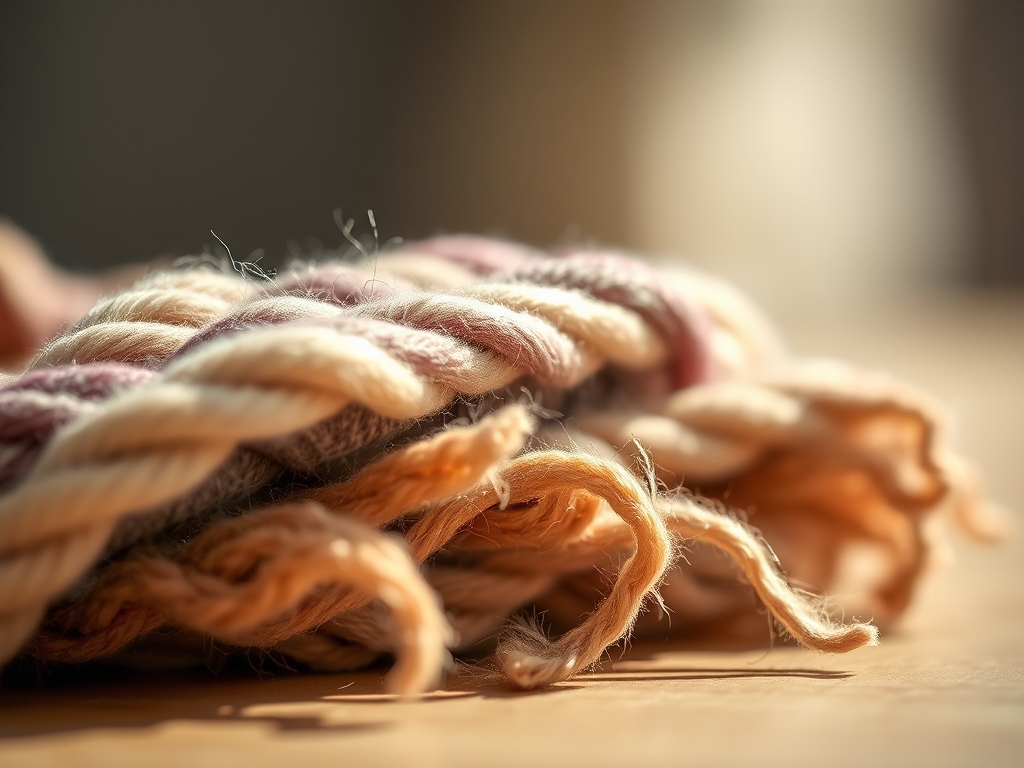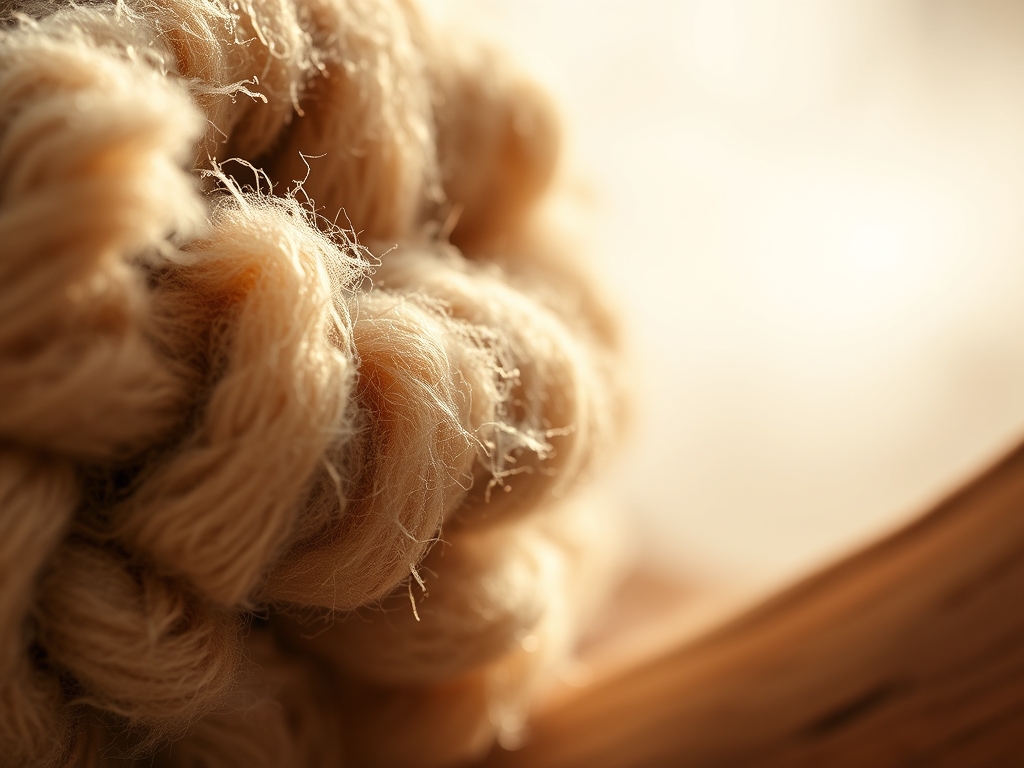
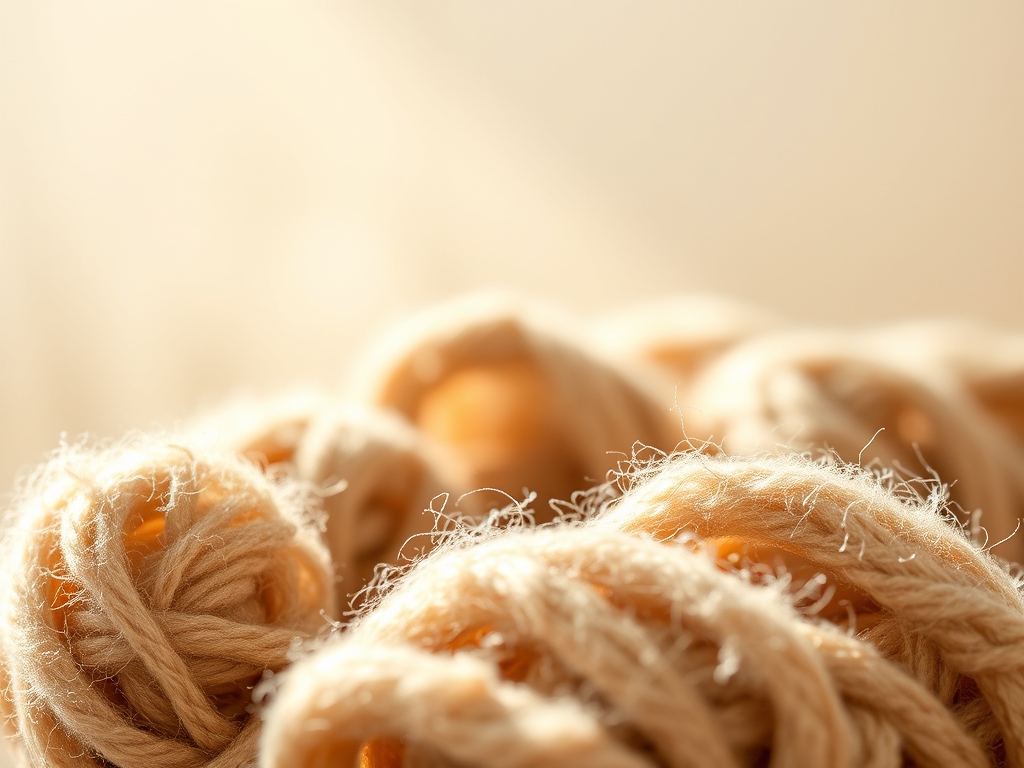
Imagine the scent of freshly sheared wool or the sharp, metallic tang of a jeweler's saw cutting through sterling silver. Your fingers tingle with the tactile memory of grain direction and surface tension. When you are Teaching Crafts Online, you are not just sharing a hobby; you are translating the physical laws of the universe through a glass lens. You must bridge the gap between your workbench and theirs by turning raw physics into digital poetry. It is about capturing the way a bone folder compresses cellulose fibers or how heat transforms the molecular structure of polymer clay, all while maintaining a frame rate that keeps the magic alive.
THE STUDIO KIT
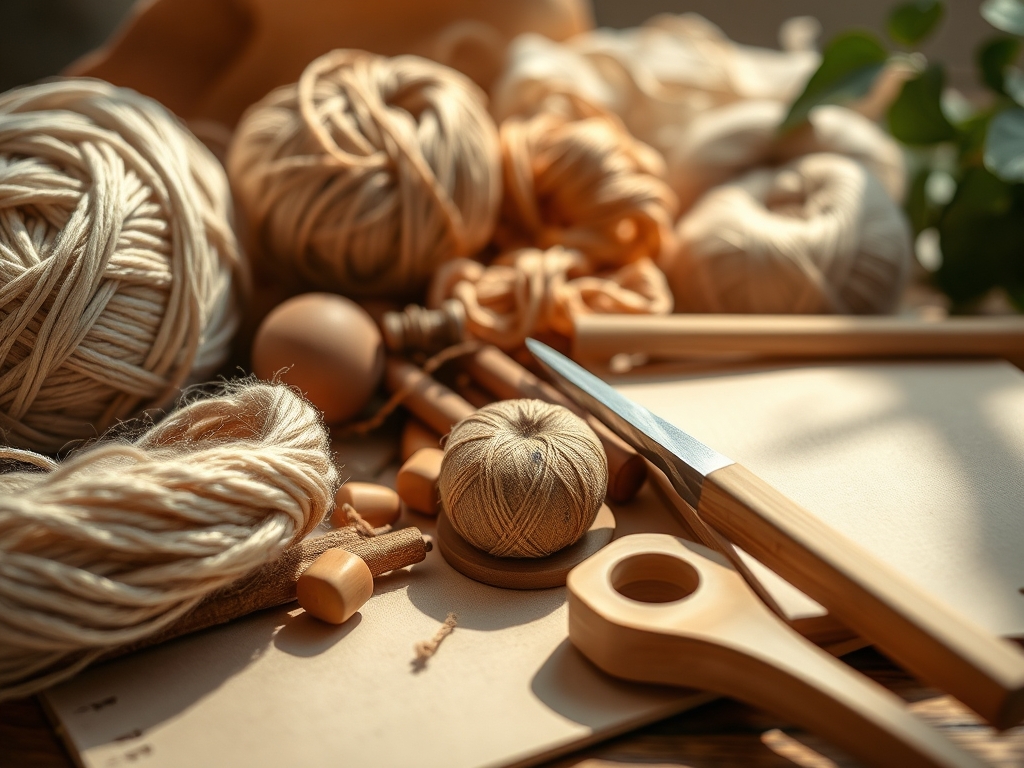
To master the art of the digital workshop, your studio kit must be a blend of high-fidelity optics and precision hand tools. You need a secondary overhead camera, often called a "document camera," to show the orthographic projection of your work surface. This allows students to see the exact angle of your awl as it pierces leather or the specific gauge of wire you are manipulating. Lighting is equally technical; you require high-CRI (Color Rendering Index) LED panels to ensure that the subtle shifts in pigment or wood grain are not lost to digital noise.
Material Substitutions are the secret weapon of the online educator. Since you cannot hand a student a specific brand of high-tensile thread, you must understand the porosity and ply of common household alternatives. If a student lacks a professional burnishing tool, teach them how the smooth, non-porous surface of a glass jar can achieve the same frictional heat to seal the edges of a project. Your kit is as much about your technical knowledge of material science as it is about the hardware on your desk.
THE TEMPO
The "Maker's Rhythm" is a biological frequency. In a live digital setting, you must account for the latency of human comprehension and the physical drying or setting times of your media. A typical session should be divided into three distinct phases: the Initialization Phase (15 minutes), where you calibrate tools and check material integrity; the Flow State (40 minutes), where the primary construction occurs; and the Stabilization Phase (15 minutes), focusing on finishing techniques and structural checks.
Understanding the physics of time in crafting is vital. For instance, if you are working with adhesives, you must explain the evaporation rate of solvents. You cannot rush a bond; you must fill that "dead air" with technical lore about why certain fibers swell when wet or how the viscosity of a resin changes with ambient room temperature. This keeps the energy high while the materials do their silent, microscopic work.
THE CORE METHOD
1. Macro-Focus on Material Physics
When you demonstrate a technique, get the camera close enough to show the interlocking weave of the fabric or the way a blade creates a clean shear plane. Your students need to see the "why" behind the "how." By highlighting the microscopic behavior of the material, you provide a technical foundation that prevents future errors.
Mastery Tip: Explain Capillary Action. When teaching painting or dyeing, show how liquid travels through porous fibers. This helps students predict how much medium to load onto their brush to avoid oversaturation and bleeding.
2. The Multi-Angle Reveal
Use at least two camera angles to show both the ergonomic grip of your hand and the point of contact between tool and material. A side profile is essential for showing the depth of a cut or the angle of a needle. If the student cannot see the 3D geometry of your movement, they will struggle to replicate the tensile strength required for the task.
Mastery Tip: Focus on Leverage and Torque. When using pliers or shears, explain how the distance from the fulcrum affects the force applied. This prevents hand fatigue and ensures clean, professional results.
3. Real-Time Stress Testing
Do not just show the perfect finished product. Perform a structural integrity test on camera. Pull on the seams, flex the joints, or sand the surface to show how the piece reacts to stress. This transparency builds trust and teaches students how to troubleshoot their own work by observing physical feedback.
Mastery Tip: Discuss Shear Stress. Explain how different joinery techniques, like dovetails or reinforced stitching, distribute weight and tension across the surface area to prevent mechanical failure.
4. Calibrated Color and Texture
Since digital screens vary in color calibration, use physical references to describe hues and textures. Compare the tactile density of a material to something universal, like the thickness of a credit card or the weight of a coin. This creates a sensory bridge that compensates for the lack of physical presence.
Mastery Tip: Use Light Refraction. Explain how the surface finish (matte vs. glossy) changes how light hits the object. This is crucial for students to understand how their final piece will look in different environments.
5. The Verbal Blueprint
Narrate your actions using precise technical lexicon. Instead of saying "cut the wood," say "score the surface to break the lignin bonds before completing the pass." This elevates the craft from a simple task to an engineering feat, keeping your "best friend" audience engaged with the "smart girl" energy they crave.
Mastery Tip: Reference Grain Direction. Whether it is paper, wood, or fabric, explaining how the internal alignment of fibers dictates the strength and flexibility of the material is a game-changer for beginner makers.
6. Interactive Feedback Loops
Encourage students to hold their work up to their own cameras for a "digital inspection." Use your expertise to spot misalignment or improper tension through the screen. This mimicry of a physical studio environment ensures that no one falls behind due to a technical misunderstanding of the material properties.
Mastery Tip: Spot Thermal Expansion. If you are working with glass, metal, or wax, explain how temperature changes can cause the material to grow or shrink, leading to cracks if not managed correctly.
THE TECHNICAL LEDGER
Maintenance & Longevity: To keep your tools in peak condition, always wipe down steel components with a light coat of machine oil to prevent oxidation. Store cutting tools in a way that protects the "edge geometry" from dulling against other metal surfaces.
Material Variations:
- Sustainable: Use bamboo fibers or recycled PET plastics, noting their unique elastic modulus.
- Premium: Invest in top-grain leathers or archival-grade pigments for superior UV resistance.
The Correction:
- The Mistake: Over-sanding a joint, leading to a loose fit. The Fix: Apply a thin layer of wood glue mixed with sawdust to create a "structural shim."
- The Mistake: Thread snapping during high-tension sewing. The Fix: Check the eyelet burrs on your needle; a tiny snag can shred the ply.
- The Mistake: Bubbles in resin or thick glues. The Fix: Use a heat gun to decrease surface tension, allowing trapped air to escape.
Studio Organization: Store your projects in a climate-controlled environment with low humidity. Use acid-free tissue paper to prevent acid migration between layers of paper or fabric, ensuring the chemical stability of your work for years to come.
THE FINAL REVEAL
Look at that! You have turned a pile of raw components into a masterpiece of engineering and aesthetics. By focusing on the tensile strength of your joins and the ergonomic flow of your process, you have created something that is not only beautiful but structurally sound. Teaching Crafts Online is about more than just the end result; it is about the thrill of mastering the physical world through a digital window. Your students are now equipped with the technical vocabulary and the "maker's intuition" to tackle any project with confidence and wit!
STUDIO QUESTIONS
How do I prevent video lag during live demos?
Ensure you have a high upload speed and use a wired Ethernet connection. Lower your output resolution to 720p if necessary to prioritize a smooth frame rate over raw pixel count, which is better for showing motion.
What is the best lighting for showing texture?
Use raking light, which involves placing your light source at a low angle to the side of the object. This creates small shadows that highlight the physical topography and "tooth" of your material.
Can I teach complex crafts with just a phone?
Yes, provided you use a stable tripod and a clip-on macro lens. The key is maintaining a consistent focal length so the camera does not hunt for focus while you are demonstrating intricate movements.
How do I keep students engaged for two hours?
Break the session into "technical sprints." Alternate between high-intensity demonstrations and quiet "work-along" periods. Use the quiet time to discuss the chemical properties or history of the materials you are currently manipulating.